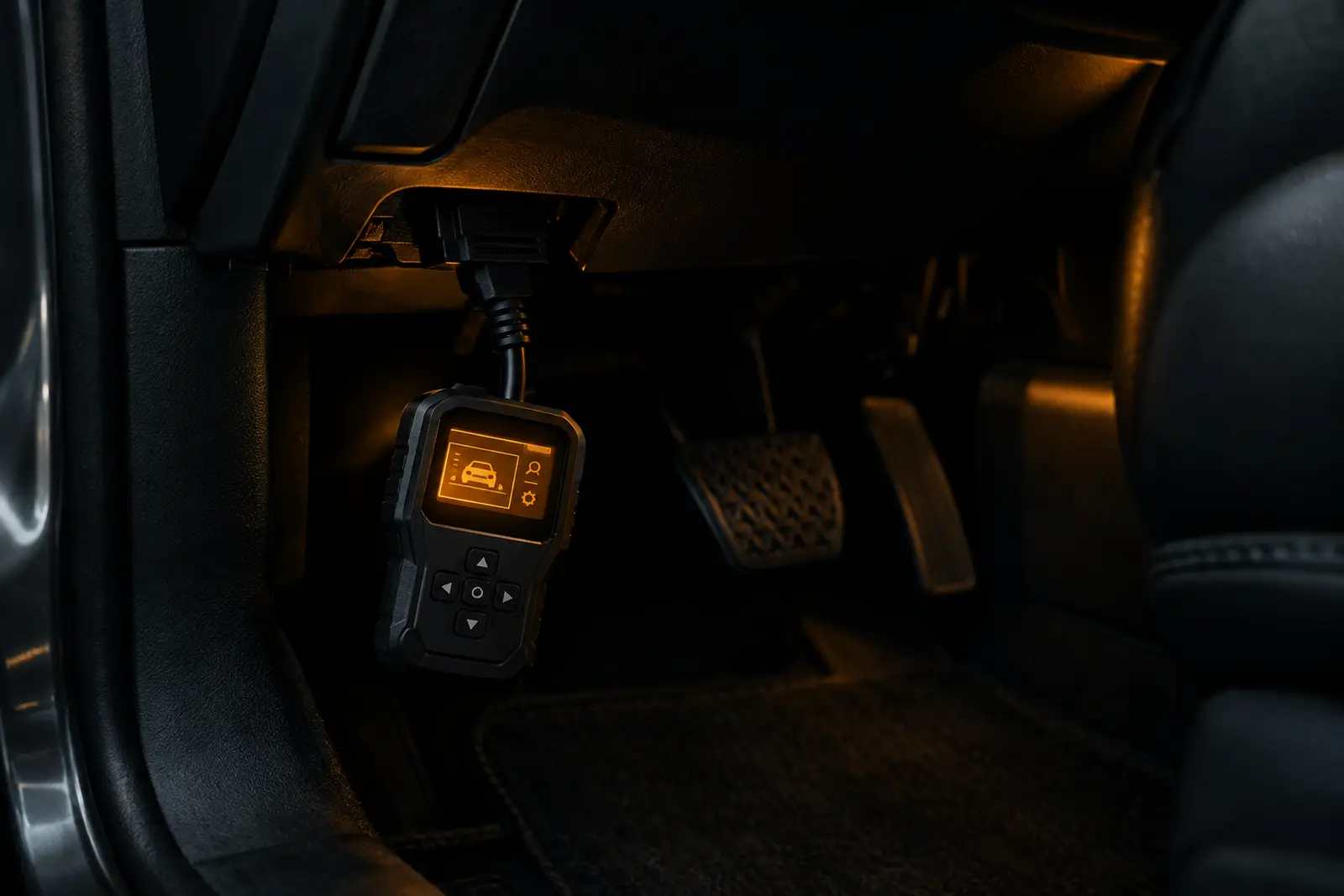
A compact phone-linked scanner offering broader diagnostics and active tests, with a first-year software allowance.
Pros
- Full-system scans and live data
- Active tests for supported vehicles
- Eight or more listed service functions
- Compact Bluetooth phone adapter
Cons
- Requires a compatible phone; no built-in screen
- Advanced software may require a subscription after year one
- Functions and resets vary by vehicle
Overview
The TOPDON TopScan is a compact Bluetooth adapter that connects to a compatible phone, putting broader vehicle diagnostics and selected maintenance tools in an app rather than on a built-in screen. It ranks #2 in our list of the top 10 best-selling OBD2 scanners on Amazon UK, with an 8.3/10 score and our Best value for active tests award. It sits behind the TOPDON CarPal A, our best overall pick, and ahead of the more premium TOPDON AD800BT 2.0. The TopScan is a strong option if you want active tests and full-system scans without buying a standalone tablet-style tool.
Its main trade-off is dependence on a phone and app, alongside a first-year software allowance rather than unlimited access to every function. It is best viewed as a capable DIY diagnostic aid, not a guarantee that every reset or test will work on every car.
Features and specification
The listing claims full-system diagnosis, including reading and clearing fault codes, ECU information, AutoVIN, live data and active tests. Those tests let the app send commands to supported vehicle systems, which can help narrow down faults. Eight or more service functions are listed, including oil, electronic parking brake, battery management, steering angle and diesel particulate filter resets. Availability depends on the vehicle, its systems and the specific function; check TOPDON’s compatibility information before buying if you need a particular procedure.
The adapter connects over Bluetooth, and the supplied specification lists Android 7.0 or later. There is no built-in display, so you will need a compatible phone and the TopScan app. The listing includes the first year of software, with quarterly or annual subscription options afterwards. It says some functions, such as I/M readiness and the repair library, remain available without renewing, but do not assume that every advanced feature will. FCA gateway access is also listed, though an FCA account is required for protected functions.
What owners say
Owners commonly praise the straightforward setup, quick Bluetooth connection and compact design. Positive reviews also describe the AutoVIN and live-data tools as useful, and say that the broader scans and service functions can help with home maintenance or avoid an unnecessary diagnostic visit. These are individual experiences, not a promise of the same results on your vehicle.
Some buyers report that scans and app functions can feel slow, or that a feature needs another attempt or a different route through the menus. Others found a specific reset or fault procedure was not supported on their car despite expecting it from the feature list. Subscription costs after year one are another drawback for occasional users, so check the current terms and required function before purchase.
Who should buy it
Consider the TopScan if you are a DIYer who wants more than basic engine-code reading, uses an Android 7.0-or-later phone and values active tests, live data and selected service resets. It may be particularly useful if you work on several compatible vehicles and are willing to spend time checking which functions apply to each one.
Skip it if you want a reader with its own screen, dislike app-based tools or ongoing software fees, or need a guaranteed reset for a particular model. For a phone-linked scanner with broad features on paper, it offers a useful middle ground; just verify compatibility before relying on it for a repair.
What UK owners say
Owners like
- Setup and Bluetooth pairing are often described as straightforward
- Owners value the wider diagnostics and live-data features
- Some say service functions helped with DIY maintenance
Common complaints
- Some report slow scans or occasional app and function quirks
- A listed reset may not work for their specific vehicle
- Some object to future subscription costs
Summarised in our own words from recurring themes in verified Amazon.co.uk reviews.
Key specifications
| Connection | Bluetooth phone adapter |
|---|---|
| Phone compatibility | Android 7.0+ listed |
| Diagnostics | Full-system scans and active tests |
| Maintenance | 8+ reset functions listed |
| Software | First year included; subscription options thereafter |
Taken from the manufacturer's Amazon listing. Check the listing for the latest details.
The verdict: 8.3/10
The TOPDON TopScan is a good fit for DIYers who want phone-based full-system scans and active tests, provided their vehicle supports the functions they need. Buy it if you are comfortable with an app and possible subscription costs; skip it if you need a built-in screen or a guaranteed model-specific reset.
Best for: DIYers seeking full-system scans, selected reset functions and active tests without buying a standalone tablet. Skip it if: You prefer a screen built into the reader, want to avoid future subscription costs, or need a function not supported by your vehicle.
See it on Amazon.co.ukSources consulted
- topdon.us/collections/discount-code-items/products/topscan-lite
- play.google.com/store/apps/details?id=com.topdon.diag.topscan&hl=en_GB
- Amazon.co.uk product listing and verified customer reviews