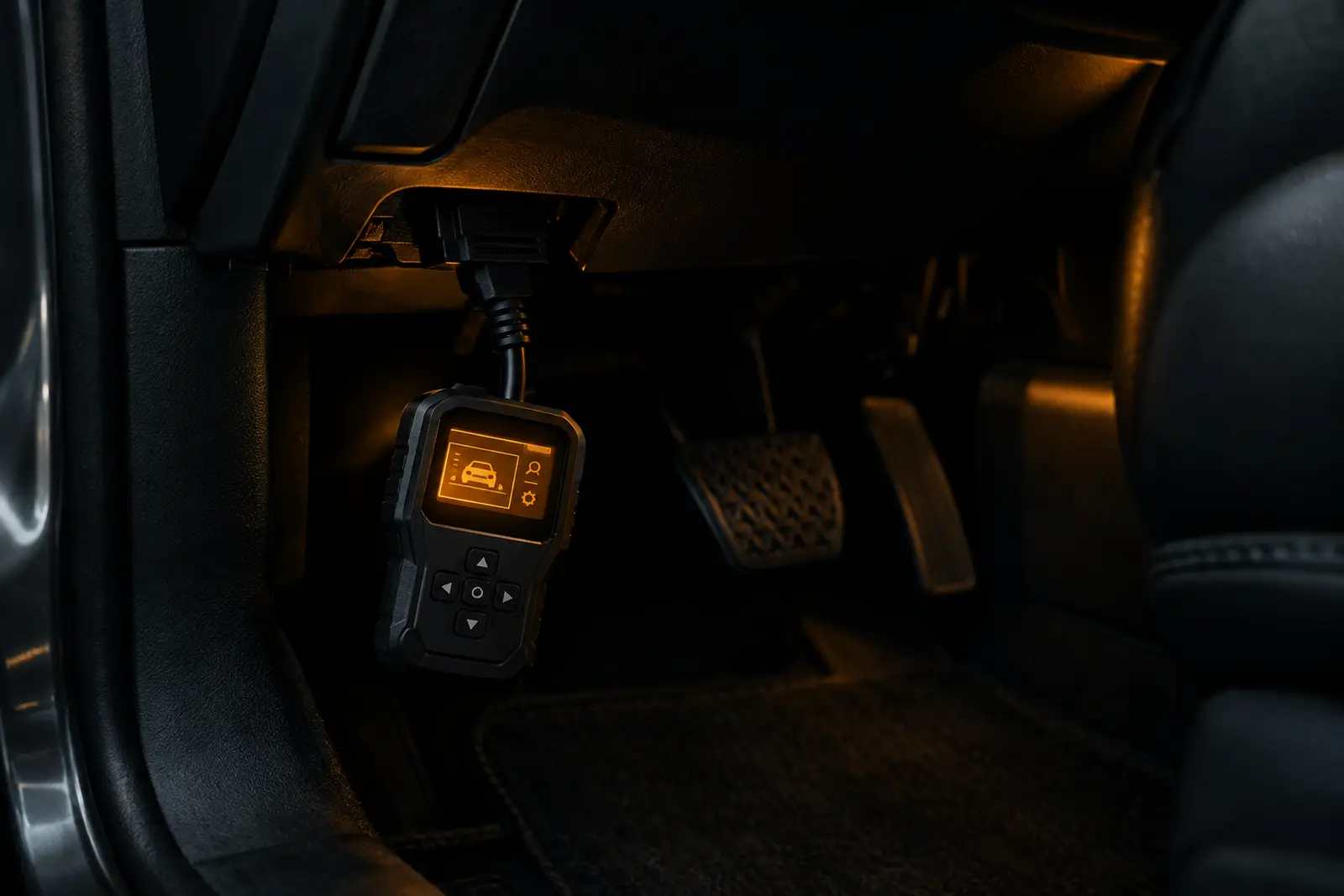
A very low-cost route to phone-based engine-code reading, though connection and app compatibility can vary.
Pros
- Low-cost entry to basic engine-code reading
- Displays live sensor data through a compatible app
- Works with several named third-party apps
- Small adapter is easy to store in the car
Cons
- Connection and app compatibility can be inconsistent
- No useful built-in screen; relies on a phone or PC
- Limited to standard OBD-II functions, not full-system diagnostics
Overview
The RICOKEY Bluetooth OBD2 Scanner is a compact adapter that plugs into your car’s OBD-II port and sends information to a phone or Windows PC. It ranks #10 in our list of the top 10 best-selling OBD2 scanners on Amazon UK, scoring 6.7/10 and earning our Best ultra-budget app adapter award. Its appeal is simple: a low-cost way to read and clear basic engine fault codes without buying a separate handheld reader.
It is less self-contained than the #8 RICOKEY V309, which has a screen, and more dependent on choosing a suitable app than a dedicated reader. The #4 Veepeak OBDCheck BLE+ is our better-rated app-based option. Consider this RICOKEY if keeping the cost down matters more than a polished, predictable setup.
Features and specification
The adapter uses Bluetooth and is listed for Android and Windows, with iOS app support also advertised. It works with third-party apps rather than providing its own screen or a complete in-box diagnostic system. The listing names options including Torque, Car Scanner, OBD Fusion and DashCommand; some apps or features may cost extra, so check the app’s compatibility and pricing before buying.
Its stated functions include reading and erasing engine codes, showing live sensor data and checking emissions-readiness status. The listing claims support for nine OBD-II protocols and lists data such as engine speed, coolant temperature, vehicle speed and fuel trims. Treat these as standard OBD-II functions, not a promise of access to every vehicle module or service feature. It is not a substitute for a workshop scanner when you need ABS, airbag, transmission or other system diagnostics.
Vehicle coverage depends on the car meeting OBD-II requirements, and app, phone and vehicle compatibility can all affect whether it connects. Check your car’s eligibility and the chosen app’s connection instructions before ordering. The adapter draws power from the vehicle socket; one owner notes that some cars keep this port live when parked, making it sensible to unplug the dongle if that applies to your vehicle.
What owners say
Feedback is mixed but useful for setting expectations. Owners who get it working describe straightforward code reading and live-data displays, with some reporting successful use across more than one vehicle. A number praise the value for occasional checks, such as investigating a warning light or keeping a basic reader in the glovebox.
Connection and app setup are the main caveats. Some owners say their preferred or supplied app did not work with their phone-and-car combination, while others found a different third-party app solved the problem. There are also reports of Bluetooth pairing difficulty or an adapter that would not communicate with a vehicle. Allow time to troubleshoot, and don’t assume the same app will work for every setup.
Who should buy it
This is for drivers who already feel comfortable installing and configuring a third-party app and want basic engine-code access at minimal cost. It may also suit a home mechanic who wants to view common live sensor readings on a phone, provided their vehicle and app are compatible. A fault code can help narrow down a problem, but it is not a diagnosis by itself; clearing a warning without addressing its cause may not resolve the issue.
Skip it if you want a screen, dependable plug-and-play operation, or diagnostics beyond standard OBD-II engine functions. For a built-in display, compare the RICOKEY V309; for a stronger app-based choice, consider the Veepeak OBDCheck BLE+. The RICOKEY Bluetooth OBD2 is worth considering as a low-cost experiment, but buyers who value reliability and convenience should look higher up our list.
What UK owners say
Owners like
- Useful for reading and clearing basic engine codes
- Live sensor readings work well for some phone-and-car combinations
- Good value for occasional checks or keeping in the glovebox
Common complaints
- Some owners had trouble pairing or getting the adapter to communicate
- The advertised or preferred app did not work for every setup
- May need unplugging if the car keeps its OBD port powered when parked
Summarised in our own words from recurring themes in verified Amazon.co.uk reviews.
Key specifications
| Connection | Bluetooth adapter |
|---|---|
| Compatible devices | Android and Windows; iOS app support listed |
| Functions | Read and erase engine codes |
| App options | Third-party apps; some may cost extra |
| Vehicle coverage | OBD-II compliant vehicles; check compatibility |
Taken from the manufacturer's Amazon listing. Check the listing for the latest details.
The verdict: 6.7/10
The RICOKEY Bluetooth OBD2 is worth considering if you want an ultra-budget adapter for basic engine codes and are comfortable troubleshooting app compatibility. Skip it if you want plug-and-play reliability, an included screen or access to systems beyond standard OBD-II.
Best for: Drivers comfortable choosing a compatible third-party app for basic engine codes and live sensor data. Skip it if: You want a screen included, dependable plug-and-play setup, or diagnostics beyond standard OBD-II functions.
See it on Amazon.co.uk